TL;DR
- Bitmovin’s VOD Encoder now supports Dolby Vision Profiles 10.0 and 10.1 for AV1 encoding, expanding premium HDR delivery.
- Per-Title Encoding is supported with Profile 10.1, optimizing bitrate and resolution for each title.
- Both profiles support DRM-protected workflows for premium content.
- Teams can generate AV1 Dolby Vision, HDR10 and SDR renditions from the same Dolby Vision source, alongside H.264/AVC or HEVC outputs for devices without AV1 support.
- Existing customers can test Profile 10 in their current deployments today, and new teams can sign up for a free trial.
Table of Contents
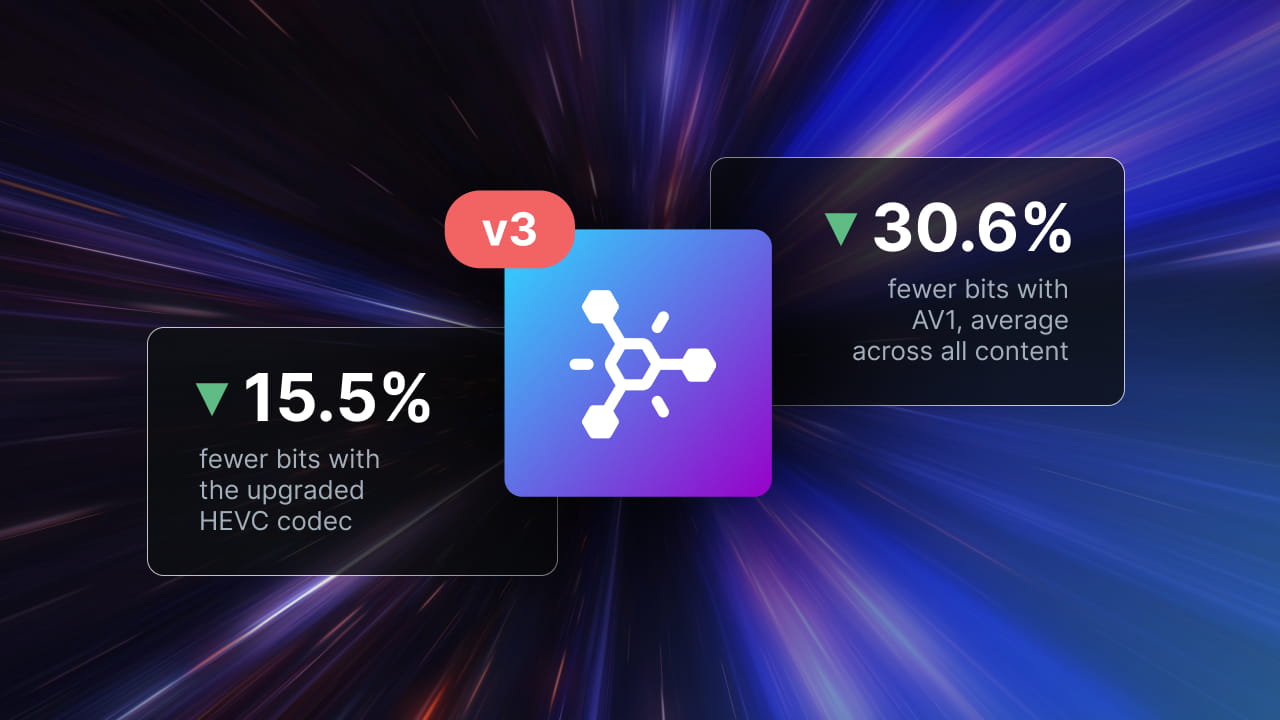
Dolby Vision Profile 10 brings premium HDR capabilities to AV1, but support across encoding and playback workflows is still developing. With support for Dolby Vision Profiles 10.0 and 10.1 in its VOD Encoder, Bitmovin is helping streaming platforms adopt this emerging format as part of their AV1 delivery workflows. Available now in the current encoder release and part of Encoder Version 3, the functionality combines Dolby Vision encoding with Per-Title Encoding and DRM support, giving developers more flexibility when preparing premium HDR content for different playback environments.
In this blog, we’ll explore how Dolby Vision Profile 10 works with AV1, what Bitmovin’s implementation enables, and how developers can evaluate the technology using their own content and devices.
Why Dolby Vision matters for streaming
HDR gives video a wider range of brightness and color than standard dynamic range. Dolby Vision builds on that foundation with dynamic metadata that describes how the picture should be adapted as the content changes. A compatible device uses that information to map the image to its display capabilities, helping preserve the creative intent across screens with different brightness and color performance.
The appeal is both practical and visual. Dolby Vision is available across major streaming services, including Netflix, Disney+ and Apple TV, and is supported on a range of televisions, mobile devices and streaming hardware. For services that distribute premium movies, series and other HDR content, it has become an established part of the viewing experience.
From HEVC to AV1 without leaving Dolby Vision behind
HEVC has long been a delivery codec for Dolby Vision. For example, Profile 8.1 combines Dolby Vision metadata with an HDR10-compatible HEVC base layer. A Dolby Vision device can use the metadata; a compatible HDR10 device can play the base video.
Profile 10 brings a similar option to AV1. It uses a single 10-bit AV1 video layer and carries Dolby Vision metadata in the AV1 bitstream. Profile 10.0 is intended for Dolby Vision playback; devices without Dolby Vision support won’t play it. Profile 10.1 adds an HDR10-compatible base layer, increasing device coverage. A device must support the relevant AV1 and HDR capabilities for that fallback to work.
Bitmovin’s VOD Encoder supports Per-Title Encoding with Dolby Vision Profile 10.0 and 10.1, enabling content-specific bitrate and resolution optimization for AV1 delivery. Both Profiles 10.0 and 10.1 also support DRM-protected workflows, allowing streaming platforms to prepare premium Dolby Vision content for secure delivery across supported playback environments.
Successful playback depends on correct metadata signaling, packaging and device support, which we cover in the deployment considerations below.
One HDR rendition, two playback paths
Profile 10.1 combines Dolby Vision metadata with an HDR10-compatible AV1 base layer.
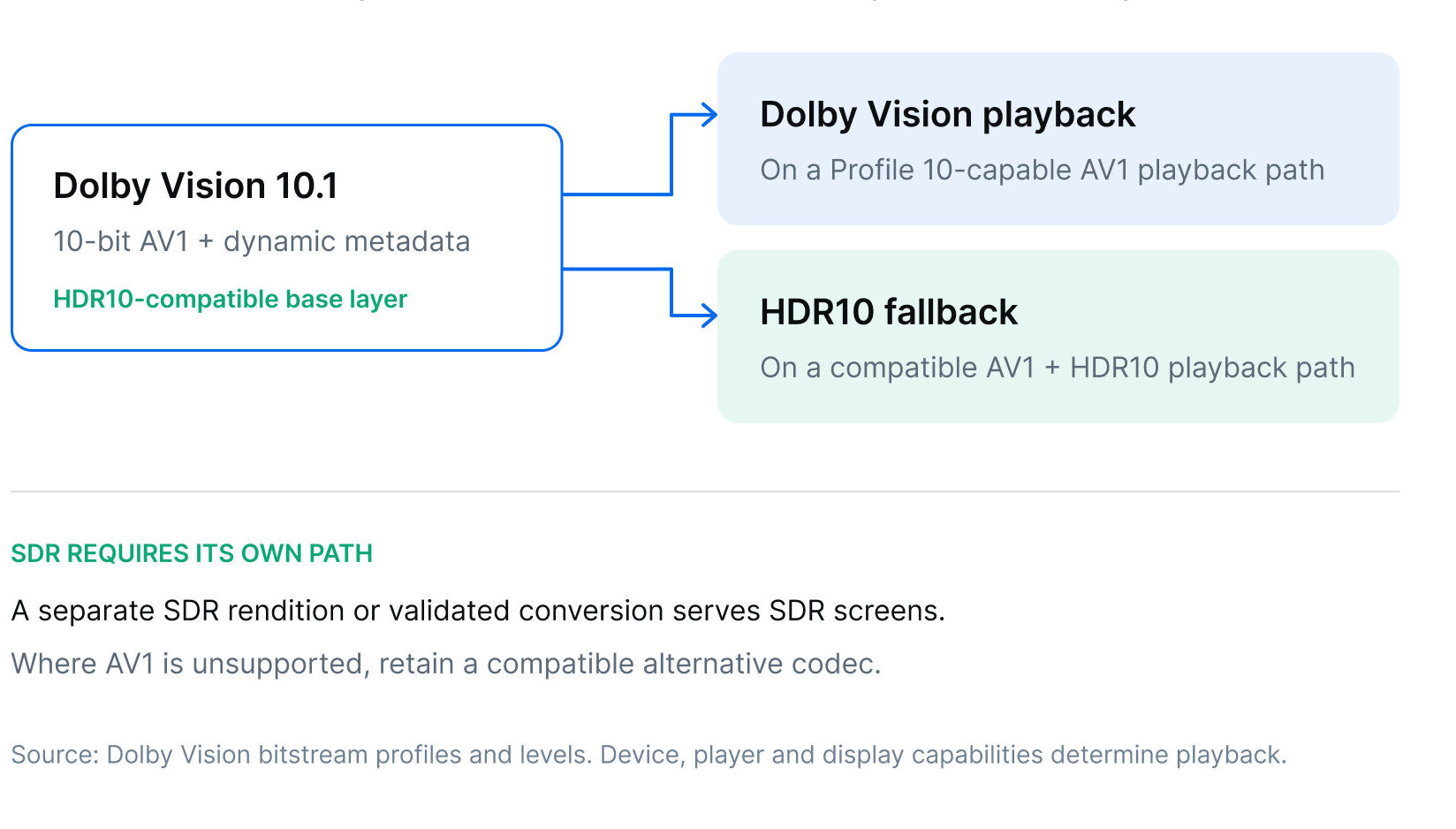
Figure 1. Profile 10.1 gives compatible devices a Dolby Vision or HDR10 path. SDR is a separate rendition, not a Profile 10.1 base-layer fallback.
Bringing AV1 compression efficiency to Dolby Vision workflows
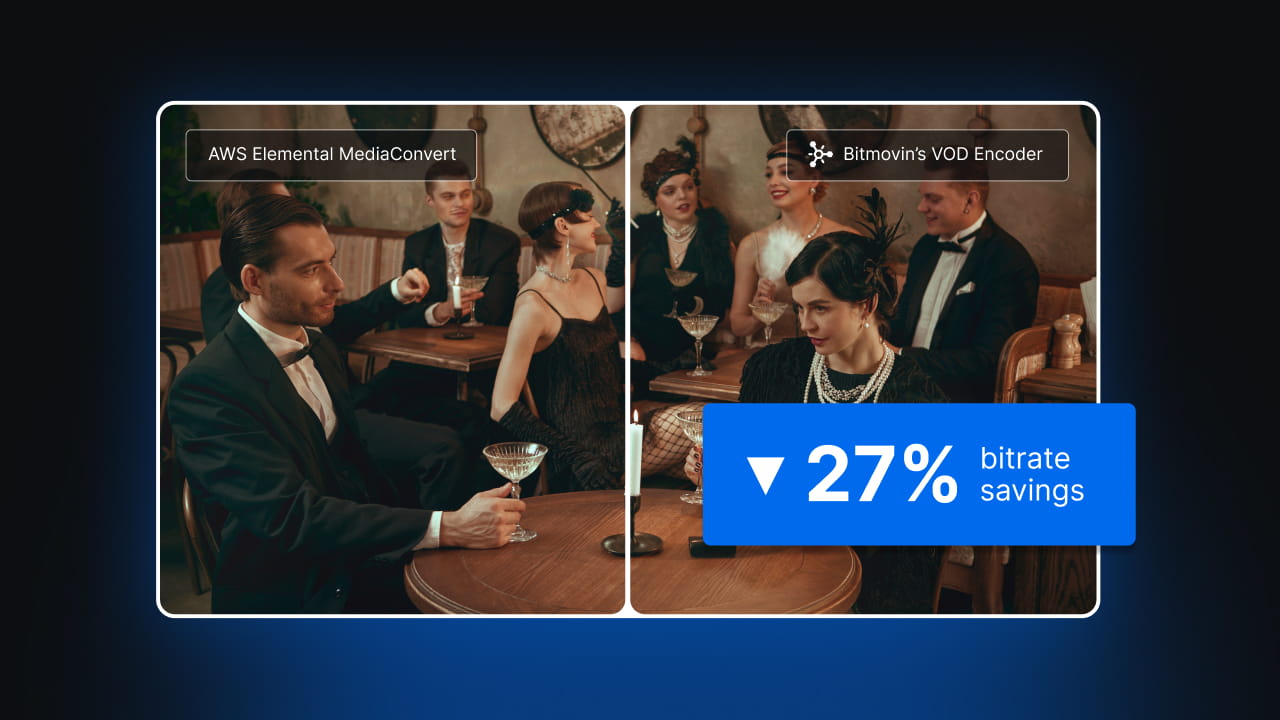
Bitmovin’s VOD Encoder combines Dolby Vision Profile 10 support with AV1 encoding efficiency. In our AV1 benchmark, Bitmovin achieved median bitrate savings of 27% at equivalent measured video quality compared with AWS Elemental MediaConvert. This was measured in SDR as MediaConvert does not support Dolby Vision Profile 10 as of today.
Dolby Vision Profile 10 support now enables streaming teams to evaluate AV1 encoding efficiency within premium HDR workflows. Actual savings will depend on the source content and encoding configurations used.
Preparing your AV1 and Dolby Vision playback workflow
A successful rollout still depends on the devices in your audience. AV1 decoding support alone does not guarantee Dolby Vision Profile 10 playback, and Dolby Vision support on an HEVC device does not automatically mean it supports Profile 10. Test the target player, operating system, decoder and display together, including HDR10 fallback where applicable.
Packaging and signaling matter too. For HLS and DASH, the manifest and media must describe the actual codec and HDR profile so that the player can select the right rendition. Teams should also check metadata preservation, encryption and playback on representative devices before deploying at scale. Bitmovin’s VOD Encoder supports all DRM formats with Profiles 10.0 and 10.1. Both profiles can be protected with the same DRM systems: Widevine and PlayReady (CENC) for DASH, and FairPlay (cbcs) for HLS. It is adviced to validate protected playback on target devices. We’ll share results from our AV1 device compatibility testing in an upcoming post.
For SDR screens, provide a separate SDR rendition, since Profile 10.1’s HDR10-compatible base layer is still HDR, not a universal SDR version. Bitmovin’s VOD Encoder can produce SDR and HDR10 AV1 renditions from the same Dolby Vision source, which keeps the workflow simple. For most services, that means three ladders: AV1 with Dolby Vision Profile 10.1, AV1 SDR, and a separate H.264/AVC (or H.265/HEVC) rendition for devices that don’t support AV1.
Expand AV1 encoding to premium Dolby Vision content
With Dolby Vision Profile 10 support available in Bitmovin’s VOD Encoder, developers can bring AV1 into their premium HDR workflows and evaluate the results against their own content and playback requirements.
The next step is to test the encoding performance, validate device compatibility and confirm HDR playback across your target environments.
Ready to try Dolby Vision Profile 10 with AV1?
Profile 10 is available now in Bitmovin’s VOD Encoder, so existing customers can test it in their current deployments today by adding Dolby Vision Profile 10 to their AV1 encoding configurations. New teams can sign up for a free trial to try it with their own HDR content. For help planning a rollout across your devices and players, contact Bitmovin.
More from Encoder Version 3
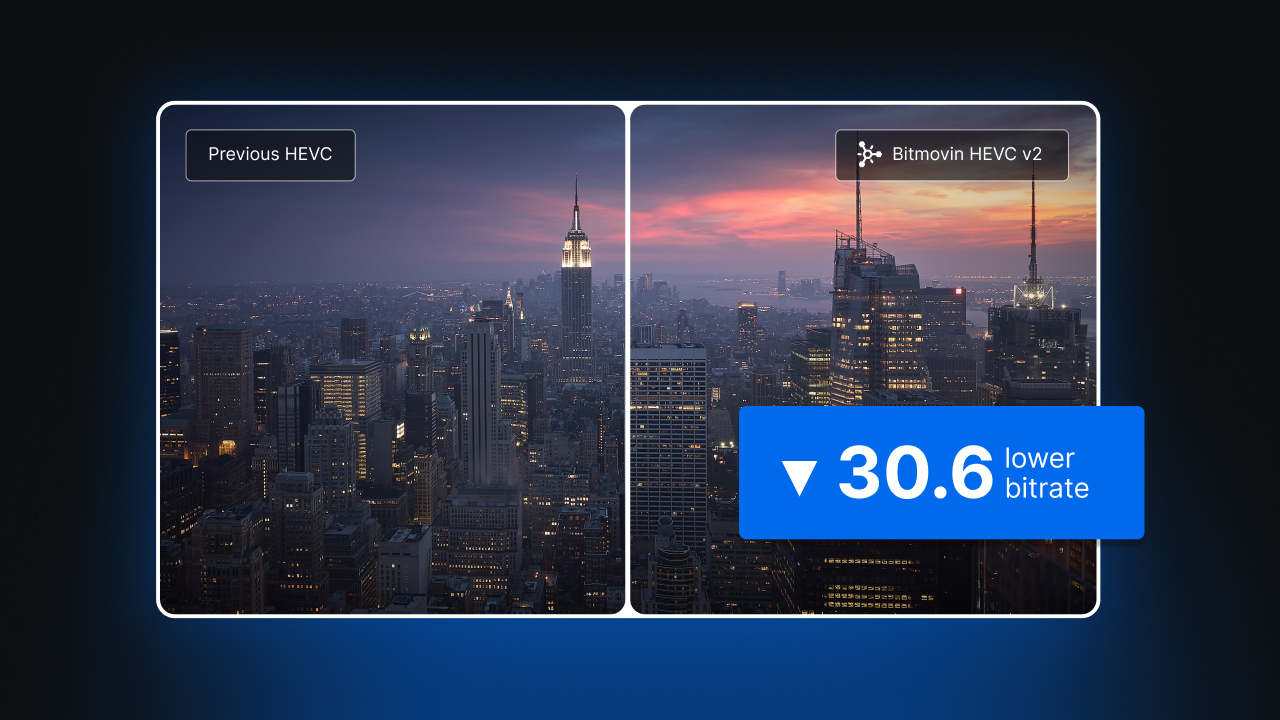
- Encoder Version 3: The same picture with fewer bits
- AV1 benchmarks: Bitmovin’s VOD Encoder delivers 27% bitrate savings over AWS Elemental MediaConvert
- H.264 Per-Title Encoding benchmark reveals differences in quality and efficiency
FAQs
Why is Dolby Vision Profile 10 important for AV1 encoding?
Earlier Dolby Vision profiles are based on HEVC or AVC. Profile 10 brings Dolby Vision to AV1, so streaming platforms can deliver Dolby Vision HDR while taking advantage of AV1’s compression efficiency. Bitmovin’s VOD Encoder supports both Profiles 10.0 and 10.1, which lets developers add Dolby Vision to their AV1 workflows.
What’s the difference between Dolby Vision Profiles 10.0 and 10.1?
The main difference is the fallback option. Profile 10.0 requires Dolby Vision playback support. Profile 10.1 includes an HDR10-compatible base layer, so devices that support AV1 and HDR10 can play the video in HDR10 when Dolby Vision isn’t available. That gives you more flexibility, though you still need to test your target devices.
Does Bitmovin support Per-Title Encoding with Dolby Vision Profile 10?
Yes. Bitmovin’s VOD Encoder supports Per-Title Encoding with Dolby Vision Profile 10.1, which sets the bitrate and resolution for each title based on its content. This lets streaming teams combine Dolby Vision HDR with content-specific AV1 encoding decisions, balancing video quality and bitrate efficiency.
Will Profile 10 work on devices that already support Dolby Vision?
Not necessarily. A device may support Dolby Vision with HEVC without supporting Dolby Vision with AV1. AV1 decoding support alone isn’t enough either. Before rolling out Profile 10, test the player, operating system, decoder, and display together.
Do I still need separate SDR and H.264 renditions?
Yes, if your audience includes SDR screens or devices without AV1 support. Profile 10.1’s fallback is HDR10, so you still need a separate SDR rendition for SDR playback. Keep H.264/AVC or H.265/HEVC outputs for devices that need them. Bitmovin’s VOD Encoder can generate AV1 Dolby Vision, HDR10, and SDR renditions from the same Dolby Vision source.
Can I protect Dolby Vision Profile 10 content with DRM?
Yes. Bitmovin’s VOD Encoder supports DRM-protected workflows for both Profile 10.0 and Profile 10.1. You should still validate encrypted playback on your target devices. Support for the video format doesn’t automatically confirm support for the full DRM and playback configuration.
Does the 27% bitrate saving apply to Dolby Vision content?
That result came from Bitmovin’s SDR AV1 benchmark against AWS Elemental MediaConvert. It doesn’t establish the same savings for Dolby Vision Profile 10. To understand the potential savings for your service, test representative HDR titles using the encoding settings and quality targets you plan to deploy.
What should I test before launching?
Start with a small set of titles that reflects your catalog, including dark scenes, bright highlights, and fast motion. Check Dolby Vision playback, HDR10 fallback, SDR rendition selection, and DRM-protected playback on representative devices. Also confirm that your packaging and manifests signal the codec and HDR format correctly.
How can I test Dolby Vision Profile 10 with Bitmovin’s VOD Encoder?
Existing customers can add Dolby Vision Profile 10 to their AV1 encoding configurations in a supported VOD Encoder version. New users can sign up for a free trial and test with their own HDR content.